Have you ever looked at a forecast, planned your day, and still ended up in the rain? Bad weather info can ruin picnics, wreck commute plans, and mess with travel timing. It can also affect safety during storms and help farmers plan planting windows.
So the real question becomes how to choose reliable weather sources without guessing. The best apps and sites don’t just post pretty graphics. They show data often, explain uncertainty, and earn trust with real-world accuracy.
In this guide, you’ll learn what reliable sources have in common, which top options stand out as of March 2026, and which warning signs to avoid. You’ll also get a simple way to test any weather source yourself, using your own local conditions.
Key Traits of Trustworthy Weather Sources You Need to Know
When weather predictions feel off, it’s usually not “bad luck.” It’s a mismatch between your needs and the source’s method. A trustworthy weather source helps you make decisions, not just admire clouds.
Start by thinking like a skeptic. Ask: Does this site or app update quickly? Does it use observations, like radar and weather stations? Does it blend models, instead of trusting one run? Most importantly, does it back accuracy with checks against real outcomes?
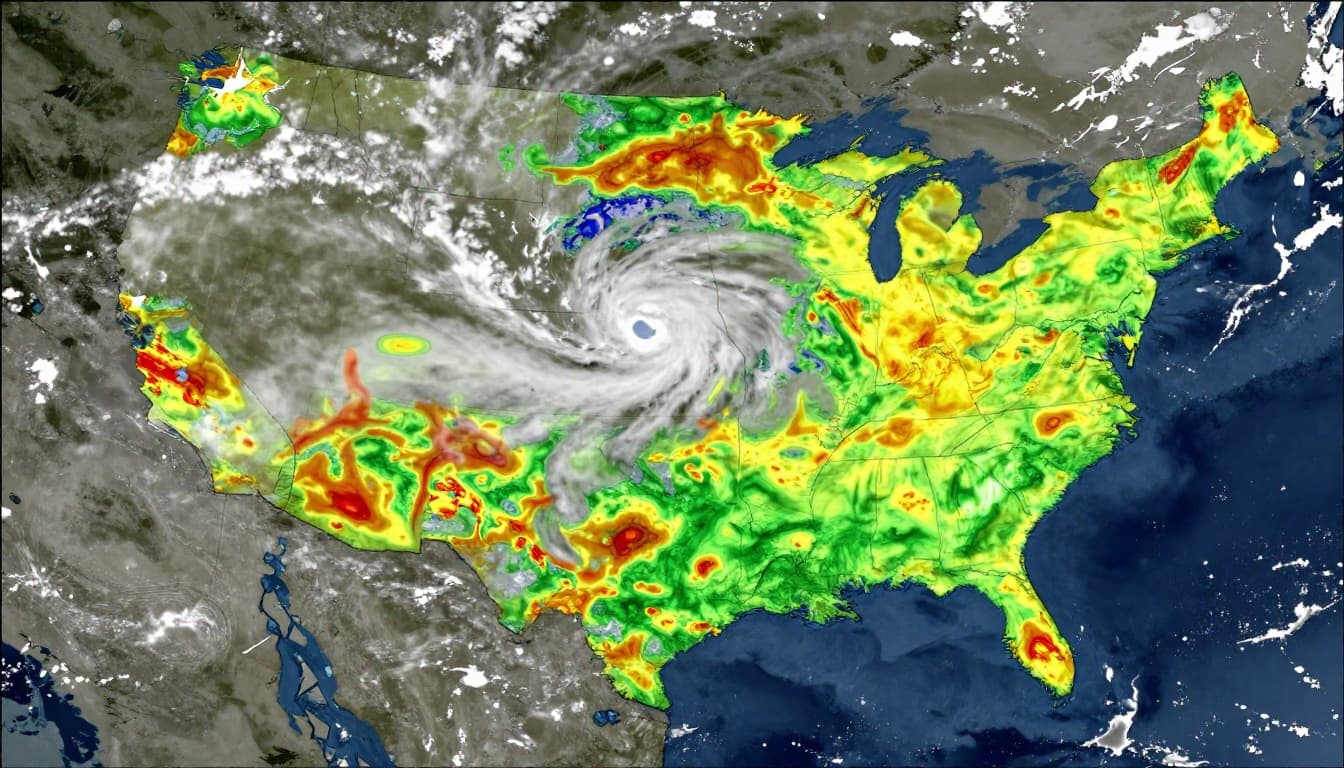
Here are traits that consistently separate reliable sources from guesswork:
- Official backbone for alerts and local hazards: In the US, government meteorology systems publish warnings and forecasts built for public safety.
- Independent accuracy tracking: Third-party sites score forecast performance against what actually happened.
- Ensembles (more than one model): Blended forecasts usually handle uncertainty better than single-model picks.
- Frequent updates using live data: Radar, satellites, and station feeds help forecasts adjust as conditions change.
- Transparency about performance: If a site only shares success stories, treat it like an unverified claim.
These traits matter for the forecasts people use most: rain timing, temperature swings, wind shifts, and storm risk. For example, if a source updates slowly or uses only one model, it can miss early rain starts. If it doesn’t blend scenarios, it can overcommit to one outcome.
Government Sources: Your Free and Solid Foundation
For many decisions, the safest starting point is the same place emergency managers use. In the US, that means NOAA and the National Weather Service. If you want a direct, no-nonsense forecast page, use the National Weather Service.
Why does this help? NWS products are built from a large network of observations. That includes weather stations, radar, satellite inputs, and specialized models. You also get warnings that focus on hazards, like severe thunderstorms, flash flooding, and winter storm impacts.
Government sources also stay useful even when you prefer a commercial app. Think of them like your “safety check.” You might plan your picnic with an app, but confirm risk signals with NWS when the sky looks suspicious.
If you care about long-range outlooks, NOAA also publishes climate and seasonal guidance through its weather channels. Still, for day-to-day alerts and local details, NWS is usually the anchor you can trust.
Accuracy Proof from Independent Watchdogs
Even with good data, accuracy can vary by forecast type and lead time. That’s why it helps to use a site that actually measures performance.
ForecastAdvisor, powered by ForecastWatch, is one example. It compares forecasters using real outcomes, not just screenshots. Their scoring methods look at things like how close temperature forecasts land and how well rain or snow timing matches what happened.
You can use it to answer a specific question: who is most accurate in your city? Start at the ForecastAdvisor home page, then search by location. From there, the site shows local accuracy rankings and forecast comparisons.
Here’s the key mindset: don’t treat accuracy claims as marketing. Treat them as data you can verify. If your chosen weather app keeps missing rain timing in your area, switching sources might fix the problem faster than changing how you interpret the forecast.
Top Reliable Weather Sources Leading the Pack in 2026
In March 2026, the top weather sources still share one idea. They combine strong models with live updates and radar support. They also tend to perform well on the metrics that matter to everyday plans.
But “best” depends on your use case. Some sources shine for hourly rain starts. Others do better for temperature trends and wind. And map-first tools help you judge patterns when storms drift or intensify.
Below is a quick way to pick, then you can fine-tune after a few local tests.
Strong picks for most US users include:
- The Weather Company (Weather.com app): Often ranks at the top for spot-on forecasts across North America, including rain timing, wind, and temperature.
- AccuWeather: Often strong for radar detail and short-term updates.
- Windy: Great when you want model layers, especially for wind and storm structure.
- Sonuby: A map-focused option that’s useful for detailed regional views, including complex terrain.
Also keep a practical note in mind: some brands reuse the same forecast engine. For example, Apple Weather pulls from The Weather Company data in many areas. So you may get similar forecast quality even if the interface feels different.
Why The Weather Channel App Wins for Everyday Use
When you check accuracy trackers, you’ll often see The Weather Company rise to the top. In ForecastWatch’s recent work on forecast performance, the provider’s scores stand out across multiple metrics and regions. If you want a single app for daily planning, it’s a strong default.
For everyday use, it helps that the app includes tools beyond numbers. You get radar-style visuals, clear temperature highs and lows, and alerts that support safety decisions. That matters because rain risk isn’t just “chance of precipitation.” It’s about when it arrives and how long it sticks.
ForecastWatch also publishes reports that break down one-to-five day forecast performance. That’s a useful window for most weekend plans and errands. For a deeper look at the kind of verification they run, read ForecastWatch’s analysis of 2024 one-to-five day forecasts.
Bottom line: if you want fewer surprises, choose the source that handles both precipitation and temperature well in your region.
Global and Niche Picks Like ECMWF and Windy
Sometimes you don’t want one prediction. You want to understand uncertainty. That’s where multi-model map tools shine.
ECMWF is a world-leading forecast system. It’s often a top choice for medium-range patterns, including days 3 to 10. If you want to see how well a system performs, ECMWF also publishes information about how it evaluates forecast quality. Check the ECMWF forecast quality page.
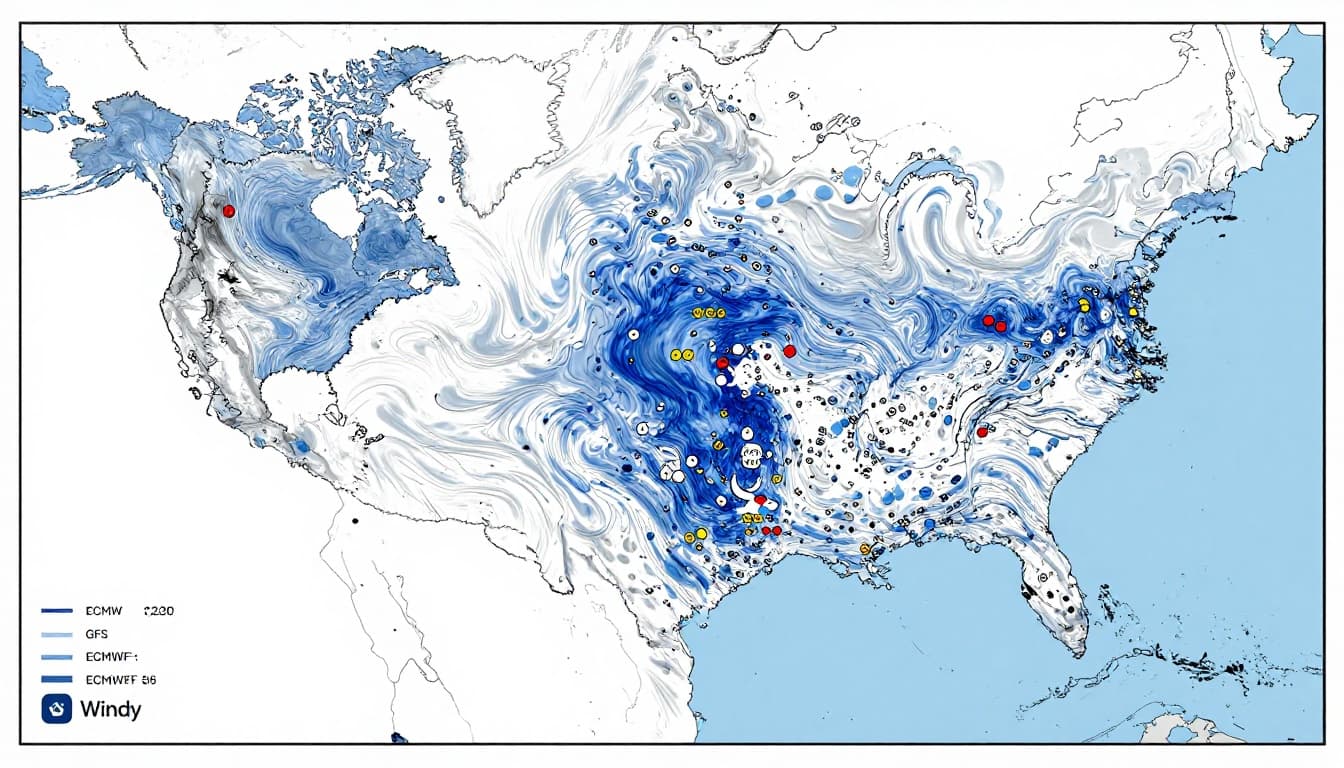
Then there’s Windy, which is popular because it shows multiple layers and helps you compare model runs. You can watch wind shifts, assess storm movement, and interpret where rain bands may develop. That’s especially useful if you live near hills, coastlines, or big weather boundaries.
Finally, Sonuby can help with niche viewing when terrain and local patterns matter. It’s not always your only tool, but it can add insight.
Here’s a simple comparison you can use fast:
| Best for | Weather source | What you get | Accuracy note |
|---|---|---|---|
| Daily US planning | The Weather Company (Weather.com) | Clear local forecasts, radar, alerts | Often top-ranked in independent checks |
| Short-term rain detail | AccuWeather | Minute-by-minute style updates, radar focus | Strong for timing changes |
| Multi-model understanding | Windy | Layered model views and wind structure | Useful for uncertainty and patterns |
| Medium-range global patterns | ECMWF-based tools | 3 to 10 day trend signals | Great for outlooks, not perfect timing |
| Terrain-heavy areas | Map-focused niche apps | Better regional visuals | Helps interpret local effects |
No single tool wins every time. That’s why cross-checking works best for big events. When you care about safety or travel, confirm with NWS too.
Red Flags That Scream Unreliable Weather Forecasts
Even good forecasts can change. Still, unreliable sources often repeat the same mistakes. These patterns show up in apps that feel confident but don’t back it with real verification.
Watch for these red flags:
- No accuracy or verification info
If a site never shows how it performs, you can’t measure reliability. - Hype that sounds absolute
Phrases like “100% storm” are usually a sign of fear-based marketing. Storms are never that certain. - A focus on products over weather facts
If the page pushes subscriptions, ads, and upsells before core forecast details, treat it as low priority. - Single-model overconfidence
If it only shows one run, it may ignore uncertainty. Ensembles often paint a more honest picture. - Lack of live updates
If the forecast page looks stale after radar shifts, you’re using old information. - Poor track record with severe weather
If the app repeatedly misses hail, wind damage, or flash flood warnings, stop trusting it for safety.
Bad weather planning happens when you treat forecast numbers like promises. Rain probability, especially, is a range. If a source refuses to explain uncertainty, you might plan around the wrong outcome.
If the forecast looks great but the warnings lag behind, that’s your cue. Switch sources and verify with NWS before you make hard plans.
Easy Ways to Test and Compare Sources in Your Area
You don’t need a meteorology degree to find a better forecast source. You need a quick test that matches your real life.
Start with your local area and compare the same forecast window. Then watch what happens, not what the app claimed yesterday.
Here’s a simple method that takes about one week:
- Pick 2 to 3 sources
Use one main app, one map tool (optional), and one official backup. - Compare the same days and the same metrics
Focus on rain start time, high or low temp, and wind. - Check forecast updates, not just the final number
When new radar data comes in, a reliable source adjusts. - Use ForecastAdvisor to narrow your local winner
For example, you can browse by location and see which forecaster performs best in your state and city at ForecastAdvisor’s US accuracy rankings. - Score results in your head
Ask, “Did it call the rain right?” “Was the temperature close?” “Did wind warnings make sense?”
After a few rounds, you’ll notice patterns fast. If one source nails weekend rain timing, keep it for plans. If another source always misses storms but has great wind maps, you can still use it for prep.
Most importantly, don’t chase perfection. Choose the source that matches your needs. For safety, lean official. For planning, use the one that has earned your trust locally.
If you start doing this in March, you’ll feel the payoff by spring weekends. You’ll spend less time questioning forecasts, and more time making plans that hold up.
Conclusion
Choosing reliable weather sources is less about “which app looks best” and more about how the forecast earns trust. Look for official backing when safety matters, independent accuracy checks, and model approaches that handle uncertainty.
When you want a strong everyday pick, The Weather Company (Weather.com app) is a common top performer in accuracy tracking. For official warnings, rely on the National Weather Service as your anchor. Then use independent tools to confirm what works in your own area.
Now pick one source you trust and test it for your next local forecast. When you find your winner, you’ll stop second-guessing the sky. What will you try first, a weekend picnic plan or a road trip route?