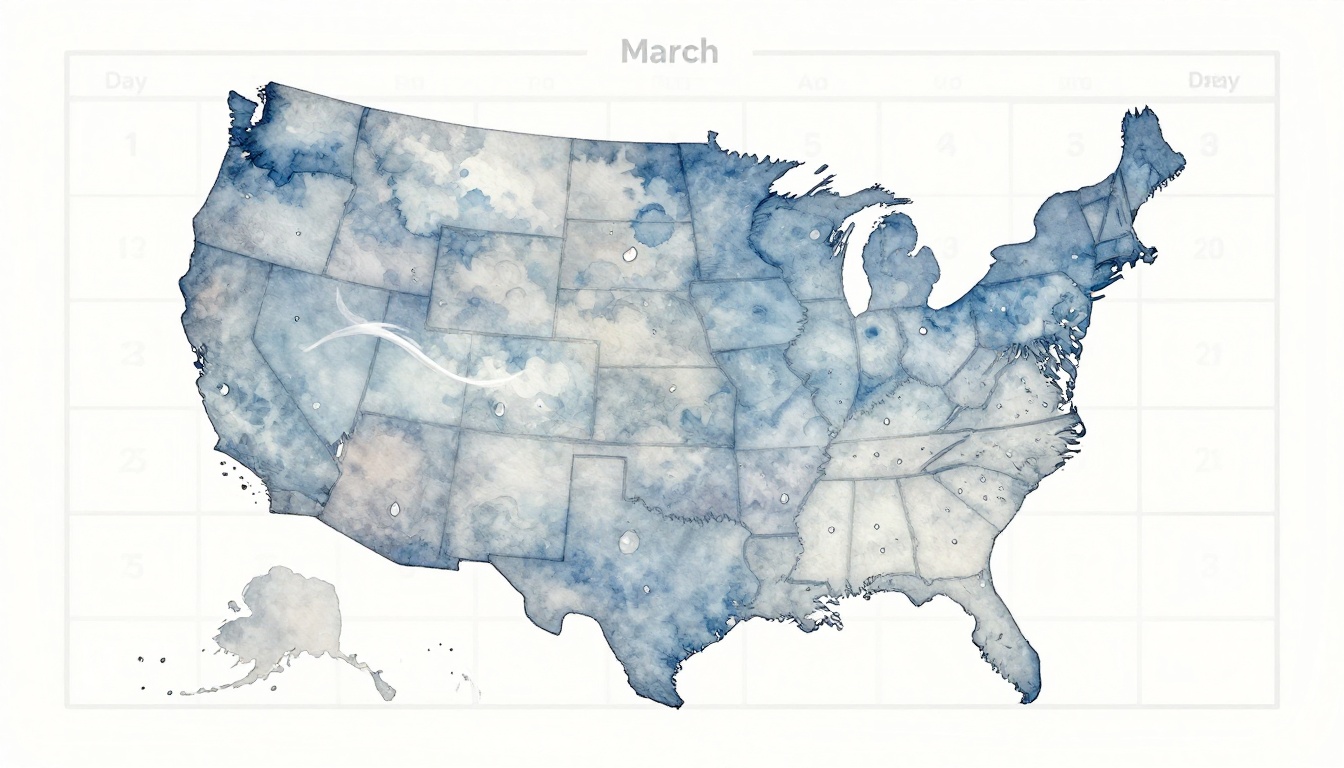
March weather in the US can flip fast in 2026, with sudden cold blasts and heavy rain showing up with little warning. Because of that, you end up with soggy commutes, the wrong outfit, or plans that fall apart. The good news is that short-range forecasts (about 1 to 3 days) are often around 80% to 90% accurate, so you can plan with more confidence.
In the next sections, you’ll learn how to pick the right forecast apps, how to read temperature, rain, and wind signals without getting overwhelmed. Then you’ll put it to use for outfits and daily activities, plus add smart backups when weather turns.
Next, start with the tools and settings that make forecasts easier to trust.
Find the Most Reliable Weather Apps and Sources Right Now
You get better day-to-day plans when your weather input is solid. That means picking the right apps, then reading them like a weather “menu” instead of trusting one dish.
Start with this mindset: short-range forecasts (about 1 to 5 days) usually hold up best for daily planning. For longer swings, treat results as a trend, not a promise.
Spot the Best Models for Your Location
Most apps pull from major forecast models, and each one shines at a different time scale. So, instead of asking “Which app is best?”, ask “Which model do I need today?”
Here’s a simple way to think about it:
- ECMWF IFS (leading by about one day): Great for the big picture and skill in multi-day trends. You often see this model do well with storm timing and temperature shifts when forecasts start to diverge.
- HRRR (radar sims hours ahead): Built for near-term detail, like storm cells, sudden rain bursts, and wind changes within a day. If you need “leave at 7:30” accuracy, HRRR-style detail matters.
- Global trend context: For March to May 2026, current outlooks point to above-normal temperatures across much of the Northern Hemisphere, with higher chances for warmth over the US in spring. You may still get cold snaps, but the background signal leans warmer overall. For the physics behind ENSO, you can see NOAA’s ENSO diagnostic discussion.
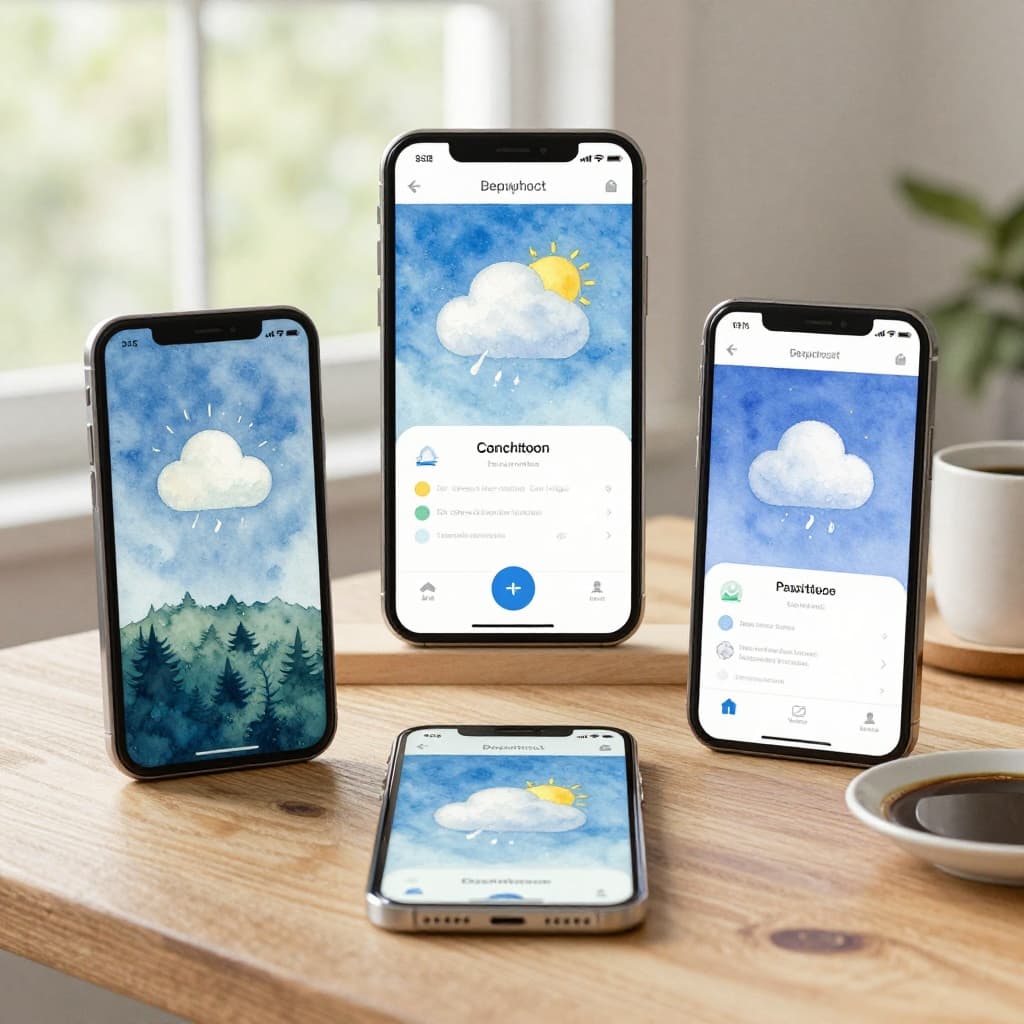
To make that useful on your phone, do a quick app-switch routine. First, check your usual app for today and tomorrow (the “HRRR zone”). Next, open a second app or tab that shows 7-day outlooks (the “IFS zone”). After that, scan the temperature trend, not just one number.
If you like long-range fun facts, Farmers’ Almanac gets attention. Still, it’s worth treating Almanac-style long-range claims as entertainment more than planning-grade data, because studies have found results close to chance for temperature and rain guesses.
For storm tracking and situational awareness, check out 1DegreeOutside for New England-focused guidance via 1DegreeOutside Weather on the App Store. For broader model maps, Windy is useful because it lets you visualize where rain and wind are heading.
A quick “model confidence” shortcut also helps: if two different model views agree on rain timing and temperature change, trust the plan. If they disagree, plan with a backup outfit or a second route.
Set Up Alerts to Stay One Step Ahead
Alerts turn forecasts into action. Instead of staring at hourly graphs all day, you get a nudge when the weather matters for you.
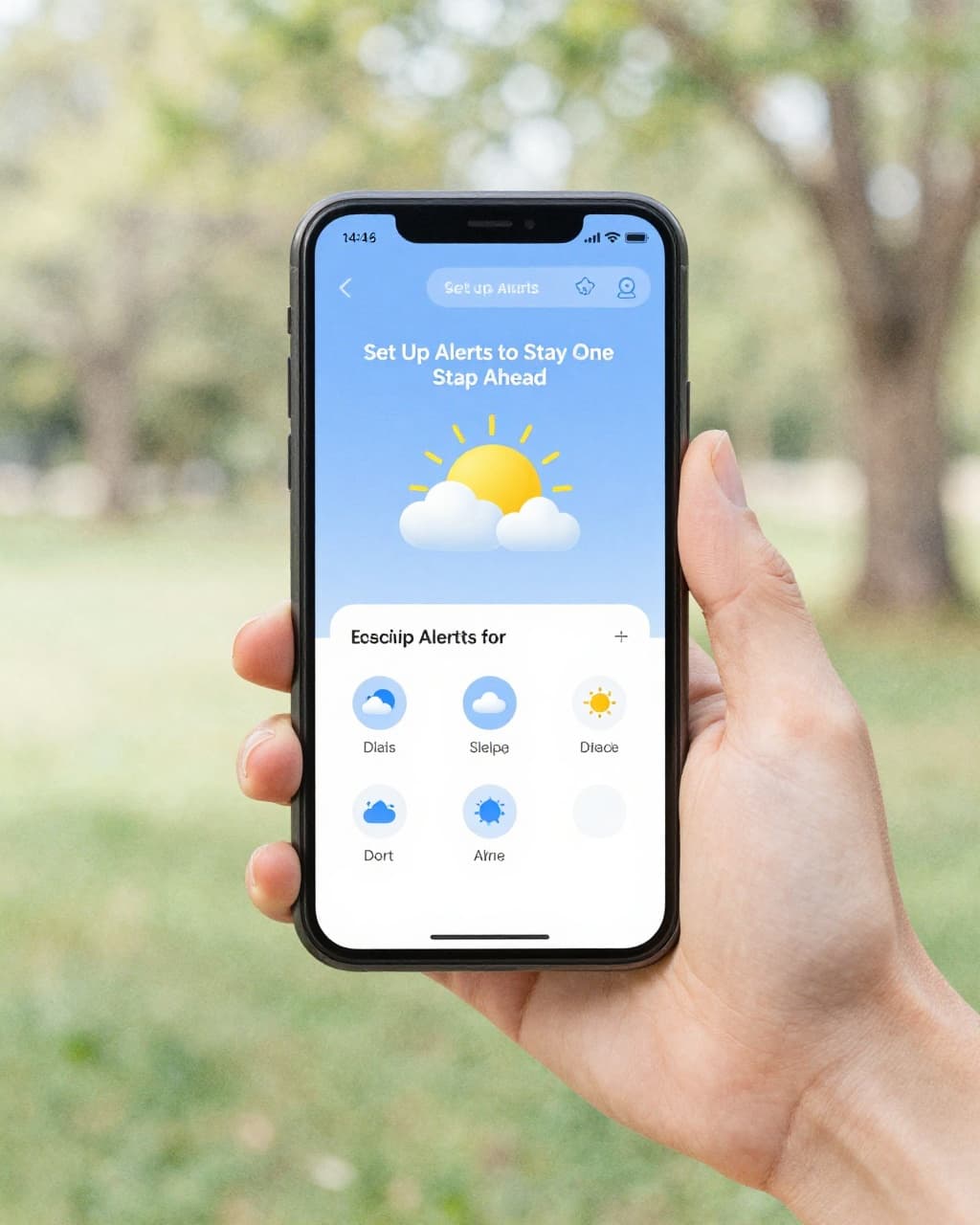
Aim your alerts around three common schedule-breakers: rain intensity, dangerous wind and cold, and storm risk. Start simple, then tighten as you learn your local patterns.
Here’s what to set, using most app alert menus:
- Precipitation threshold: Turn on alerts when rain chances jump above 30%. If your commute depends on road conditions, that trigger catches “looks fine now, turns messy later” days.
- Temperature drops and wind chill: Use alerts when it gets colder than your comfort range. Wind chill can change fast, especially after a front passes.
- Storm watch signals: Enable severe weather style alerts when thunderstorms or warnings enter your area. For event planning, these are your “stop everything and check again” signals.
One more detail makes alerts smarter: moisture transport. When you see signs of integrated vapor transport, it often lines up with big moisture surges and heavier rain. Some map-style apps show this indirectly through moisture and precip fields. Even without deep meteorology, you can use the practical takeaway: when moisture signals rise, rain becomes less “maybe” and more “likely, and it may be heavy.”
Also, set alerts based on what you actually do. For commuting, you care about the hours you’re outside. For workouts, you care about the hour your session starts. For events, you care about setup time plus 30 to 60 minutes.
If you’re deciding between free and paid features, use this rule of thumb:
- Free tiers usually cover enough for planning: hourly rain timing, basic severe alerts, and neighborhood detail.
- Paid upgrades are often worth it when you need extras like more frequent updates, radar layers, premium model views, or advanced precipitation timing.
Finally, keep your daily workflow tight. Check 2 apps for the next 1 to 7 days, but anchor decisions on the next 1 to 5 days. If the near-term picture looks clear, commit. If it’s unstable, make a backup plan you can execute quickly.
For outlook context beyond the next few days, NOAA’s 30-day view can help you spot broader patterns without pretending it’s day-by-day certainty. Start with the NOAA Climate Prediction Center official 30-day forecasts, then return to short-term apps for the final call.
Decode the Forecast to Make Spot-On Outfit and Commute Choices
March forecasts are like a mood swing. One hour feels springy, then the wind flips and suddenly you’re back in a cold movie montage. If you read the details the right way, you can dress for the day you actually have, not the day you hoped for.
The trick is simple: match your outfit and commute plan to temperature swings, feels-like conditions, and rain timing. Think of it like packing an umbrella and a backup snack, except your “snack” is a ready-to-go layer.
Layer Up Smart for Morning Chills and Afternoon Warmth
Layering works best when you plan for the forecast’s high-to-low range, plus the feels-like temperature. In March, you might see a day that peaks in the 60s, then drops into the 30s overnight. Meanwhile, the wind can make it feel much colder than the thermometer suggests.
Start with an A/B outfit plan. It saves time, and it keeps you from dressing “too much” or “too little” by the time you step outside.
Here’s a practical way to plan layers when temperatures swing (example: 70s day, 40s night):
- Base layer: lightweight tee or long-sleeve that can handle sweat and quick temperature dips
- Mid layer: sweater, fleece, or hoodie for the colder morning hours
- Outer layer option A (lighter): windbreaker or lighter jacket for morning that isn’t too cold
- Outer layer option B (heavier): insulated jacket for when feels-like drops under 50°F
If your forecast shows feels-like temps under 50°F, treat that as your “jacket on” cue, even if the high looks mild. Wind adds cold like a fan aimed at your skin, so the feels-like number often tells the real story.

Read the forecast like a checklist, not a mystery
When you check your forecast, don’t stop at highs and lows. Instead, scan four signals that directly affect comfort and commute ease:
- High and low: helps you plan for the “outside temperature arc”
- Feels-like temp: tells you what your body will actually feel, especially with wind
- Precipitation chance: tells you how likely you are to need rain protection
- Wind chill (when shown): warns you when cold feels sharper than the air temp
A simple rule for outfits in March:
- If morning feels-like is cold, dress for that. You can always lighten up later.
- If afternoon highs are mild, skip bulky layers that trap heat.
- If rain chance is rising, use a shell layer instead of adding heavy insulation.
To make it concrete, picture two common March days:
- Central US trend: warmer bursts mixed with cold snaps (highs can climb, then drop fast). Plan for a heavier outer layer in the morning, and keep the option to shed it for the walk home.
- East Coast trend: chilly, gray days with wind, then slow warming. For these, feels-like often stays low longer, so a jacket you can wear the whole commute may beat “guessing.”
Finally, keep one “dump zone” habit. When you shed a layer, stash it where you won’t lose it (not in the bottomless pit of your bag). That way, you stay comfortable instead of chasing your missing jacket later.
Dodge Rainy Roads and Delays Before They Hit
Rain in March can feel like it appears from nowhere. That’s why you should treat commute weather as a timing problem, not a “will it rain today?” question.
When you plan your drive, walk, or transit swap, use radar-style info and real-time updates in the window that matters most. For most commutes, that’s 12 to 48 hours ahead for “what’s likely,” then the final 1 to 3 hours for “what’s actually moving in.”
Also remember what recent March patterns can look like across the US: some areas see repeated stormy bursts in short windows. Others stay stuck under steady gray showers. Either way, moisture can surge, and roads respond quickly when rain intensifies.
For broader seasonal context, NOAA’s spring outlook helps explain why above-normal warmth and stormy swings can show up in March. You can see the latest framing from NOAA via NOAA’s spring outlook news release.
Use radar timing to avoid the worst window
Forecast apps often show hourly rain totals or precip chances. Still, those numbers can lag behind what radar sees. So when you’re commuting, use radar for movement, not just probability.
Use this “leave-window” method:
- Check radar for the area you’re leaving from.
- Look at the nearest heavy band (the darker streaks).
- Aim to depart after the first burst moves through, not while it’s still approaching.
- Plan for a smaller downgrade if storms slow down. Slow storms mean longer wet roads.
If your route crosses a boundary, watch the edges. In March, rain bands can split and re-form fast, which means one side of your commute stays wet while the other side clears.
A practical example:
- Suppose you’re commuting in the afternoon and your forecast says “rain likely.” Next, open radar and track the band. If heavy rain is projected to hit around 4:10 PM, don’t leave at 3:50 PM just because your ETA says you’ll “beat it.” Instead, shift by 20 to 40 minutes, if you can. Even a small change can mean dry pavement for the last chunk of your drive.
For apps that focus on commute and travel timing, you may like weather apps built for commuting. The key is still the same: you want timed movement, not only general daily rain chances.
Moisture surges mean “more than a drizzle”
Here’s the hidden danger in March: rain can start as light and then spike. That’s why moisture surges matter. When moisture increases, storms can go from “annoying” to “wet roads with slow traffic” faster than you expect.
So, what should you look for?
- Increasing rain rate on radar as clouds move in
- Growing storm coverage, not just isolated showers
- Repeat waves (a second band follows the first)
If your commute crosses a flood-prone area, treat the first heavy band as the warning bell. Then check again 30 minutes later. Flood risk rises when rain repeats over the same ground.
For backup plans, aim for two tiers:
- Plan A: normal departure time with rain gear ready
- Plan B: delayed start or alternate route if radar shows heavy rain bands near your commute window
If flooding risk looks possible, use a simple safety ladder:
- Avoid low crossings, underpasses, and spots that usually pool water
- If water looks deeper than ankle level, turn around early
- Give yourself extra time, then drive slower on slick patches
In short, don’t wait for the sky to prove itself. Radar and near-term updates help you choose the smarter leave time, dodge the heaviest roads, and arrive with less stress.
Plan Outdoor Fun and Events Without Weather Surprises
Weather surprises usually come from one thing: your plan locks in too early. Instead, build your day like a layered outfit. You start with the forecast, then you adjust when the next update comes in.
For outdoor fun, you want the weather to fit the activity, not the other way around. Use precip odds, temp comfort, and wind as your three main dials. Then add one simple rule: always keep an indoor backup you can switch to fast.

Time Your Hikes, Picnics, and Workouts Perfectly
Start with a clear cut. If rain chances jump above 30%, skip the outdoor block or shorten it. That threshold keeps you out of the drizzle-to-deluge trap that March loves.
Next, match your activity to comfort temps and wind. In March, the thermometer can lie. Wind strips heat from your skin, so you should treat feels-like temps as the real comfort guide. For hikes, picnic walks, and light workouts, look for safe comfort ranges in the 70s (or just below) when you want full-value outdoor time. When the forecast dips colder, reduce time outside, add layers, and switch to a warm-up first.
Here’s a simple way to plan your timing window:
- Choose your “best window”: pick the hour when temps feel steady and wind is lowest.
- Keep a hard cut: if precip odds climb past 30% before your start time, move your activity earlier or swap to indoor.
- Aim for the right pace: schedule movement when it’s mild, not at the start of a cold front.
Also remember March gear logic. If an Arctic blast shows up in the forecast, don’t gamble with “light layers.” Plan for cold wind, wet surfaces, and shorter outside time. For hiking basics, it helps to use guidance like hiking weather essentials to keep decisions grounded.
Quick scenario examples (how to act fast)
- Mar 12-13: If rain bands look possible, plan for a “quick version” outdoors, then lock the rest indoors. Check updates in the final 1 to 3 hours before you leave.
- A warm afternoon, chilly morning: Do your workout later. Run a warm stretch indoors first, then go outside after temps climb.
- Windy day with mild temps: Move the hike to a sheltered area or shorten the route. Wind can make “mild” feel sharp fast.
Most importantly, use your forecast like a weather scoreboard, not a single prediction. If you have time, cross-check ensembles (multiple model runs) so you understand whether the storm risk is rising or fading.
Bottom line: pick the hour, then add a fast indoor swap, so the weather can’t ruin your day.
Book Events with Confidence Using Trends and Odds
For events, you need more than “weather today.” Use short-range odds for the final call, and use trend views for the early decision. Start with 7 to 12 day planning, then tighten the plan as the date gets closer.
In March 2026, regional patterns matter. Some places get more frequent rain swings than others, and the Pacific Northwest often has higher odds of wet weather compared to many other regions. Because of that, choose flexible venues first (covered spaces, indoor halls, or areas with quick shelter). Then use the rain odds to decide whether you run the full schedule or a shorter, indoor-heavy format.
Now for the trend layer. When you look at longer-range guidance, treat it like the “season background music,” not the track listing for your specific date.
Use these trend signals:
- Moon and solar cycles (small nudges): They can shift tides and light, which affects planning for evening events. They don’t replace forecasts, but they help you time sunrise, sunset, and visibility needs.
- Seasonal outlooks: Watch for warmer-than-normal patterns that can change comfort and crowd behavior. For context on spring warmth expectations, see NOAA spring outlook coverage.
- Equatorial Atlantic influence: When it shows up in seasonal discussions, it often ties into storm tracks and rainfall patterns. Use it to understand “more active vs. less active” storm tendencies, not as a date-specific rain forecast.
How to build event odds into a plan
Your event plan should match the uncertainty level:
- First pass (7 to 12 days out): Choose the plan that works in both dry and wet conditions. If rain chances look elevated in your region, prioritize shelter.
- Second pass (3 to 5 days out): Compare forecast models and look for agreement. If multiple runs align, you can book with more confidence.
- Final pass (last 1 to 3 hours): Confirm timing, not just probability. Rain timing matters more than the headline “chance of rain.”
Also, lock in indoor backups even if the forecast looks good. This is especially true for weddings, outdoor markets, and kids’ events. Plan A should include a weather gear or shelter option, while Plan B should be the indoor space you can enter without chaos.
Bottom line: combine 7 to 12 day trend planning with short-range rain odds, then finalize using near-term updates and ensemble agreement. That mix keeps your event fun, not fragile.
Build Bulletproof Backup Plans for Any Forecast Twist
Forecasts can feel solid, right up until March throws a curveball. One update says “mostly dry,” then the next radar pass shows a rain band lining up with your exact plans. That’s when a strong backup plan saves your day, and your mood.
The key is to stop treating weather like one fixed answer. Instead, treat it like a sliding scale of risk. As accuracy drops farther out, your job gets simpler: lock in the activity you want, then build a fast switch to what still works.

Use a Plan-B mindset that matches real forecast accuracy
Weather gets less reliable the farther you push it. Short-range predictions (a few days) stay strong, while week-plus guesses swing more. Think of it like seat belts and airbags: you don’t remove them because you feel safe.
Use this rule in your head:
- Near-term (leave time matters): treat the next update as your guide
- Longer-range (event date matters): treat it as odds, not certainty
When you build backups early, you don’t panic later. You just switch.
Also, March can be chaotic in 2026. Severe storms have already brought big swings in some regions, so it pays to plan for both “rainy and mild” and “wet and wild.” NOAA also publishes forecast and model background that helps you understand what drives the changes, like NOAA’s North American Multi-Model Ensemble (NMME) overview.
Create two-track schedules for every day you plan
Your backup plan should not be a vague idea. It needs a place, a time, and a trigger. Otherwise, it turns into stress later.
Use a simple two-track system:
- Plan A (normal day): your preferred schedule
- Plan B (weather-safe day): the version you can run immediately
Then define your switch trigger. For example:
- If rain odds rise above your comfort level, move the outdoor block.
- If wind makes feels-like temps uncomfortable, shorten time outside.
- If storms look possible during setup time, shift to an indoor setup.
Here’s the pattern that works for most people. Keep your daily plan “half finished,” so you can finish it with the latest forecast.
For routines, that might mean:
- Keep shoes and a rain layer ready in the same spot
- Pre-pick one indoor route for commuting
- Choose one nearby backup location for errands
For events, it means:
- Pre-book a covered option if rain hits
- Decide what you do if timing slips by 30 to 60 minutes
- Confirm indoor space for people who arrive early
Bottom line: Plan B should feel like the plan, not a last-minute rescue.
Blend multiple models to estimate “risk level,” not just weather
Single-forecast views can mislead you, especially when storms might shift. That’s why multi-model thinking helps. If models agree, you commit. If they disagree, you prepare to switch.
Here’s a practical approach:
- Look for agreement on timing (when rain arrives)
- Look for agreement on intensity (how heavy it gets)
- Then rank your day as Low risk, Medium risk, High risk
For multi-model charts and ensemble-style views, use resources like Weather.us model charts. When you see differences, treat it as a sign to tighten your Plan B trigger. In other words, if uncertainty rises, your backup should get easier to start.
Add “daily routine integration” so backups actually get used
Plans fail for one reason: you don’t follow them when you’re busy. So build your weather backup into your routine, like brushing your teeth.
Try this daily rhythm:
- Check your forecast while you start your morning routine.
- Make one small decision immediately (clothes, route, start time).
- Re-check again right before you leave or begin the main activity.
- If conditions changed, switch tracks calmly, not emotionally.
In March, that second check matters. Cold fronts and rain bands can shift with the next radar update. Even when the forecast label stays the same, the timing can move.
For the tech side, new AI tools can generate sharper short-term outcomes faster than older workflows. That speed matters when you need the next hour, not the next week. If you want background on how these tools work and why they’re improving, you can see NVIDIA’s Earth-2 models overview. Use it as context, but keep your behavior simple: check, decide, and switch.
Use a “worst-case first” checklist for forecast twist days
When the forecast gets messy, you need fast filters. Don’t overthink. Scan for the items that actually break plans.
Use a quick checklist before you commit:
- Rain timing: does it hit before you finish?
- Rain intensity: does it look like a burst, not a mist?
- Wind and feels-like: will comfort drop after you step outside?
- Setup window: do you need a buffer for setup or travel?
Then set your backup action in advance:
- Move start time earlier or later by 20 to 45 minutes
- Switch to a shorter route or sheltered path
- Swap outdoors for indoor movement (stretching, yoga, gym, or a walk in a mall)
- Choose a venue with real cover, not “maybe it’ll stop”
If you build this once for your most common activities, you reuse it all month. That’s how you stay calm when weather changes its mind.
Conclusion
Weather forecasts only help if you use them the right way. Start with trusted apps and sources, then decode the signals that matter for your day (temperature, feels-like, rain timing, and wind). After that, apply your plan to the hours you actually leave, not the headline forecast you see first.
Most importantly, build a Plan B every time. In 2026, that mindset pairs well with quicker updates from newer tools, plus clearer radar maps and alert systems, so you can switch without stress when March shifts again. Check the forecast now for the next 1 to 5 days, then set one backup rule for rain or wind that could ruin your schedule.
What app (or alert setup) has helped you most on messy weather days, and why? Share your best app wins in the comments, and help others turn forecast chaos into control.