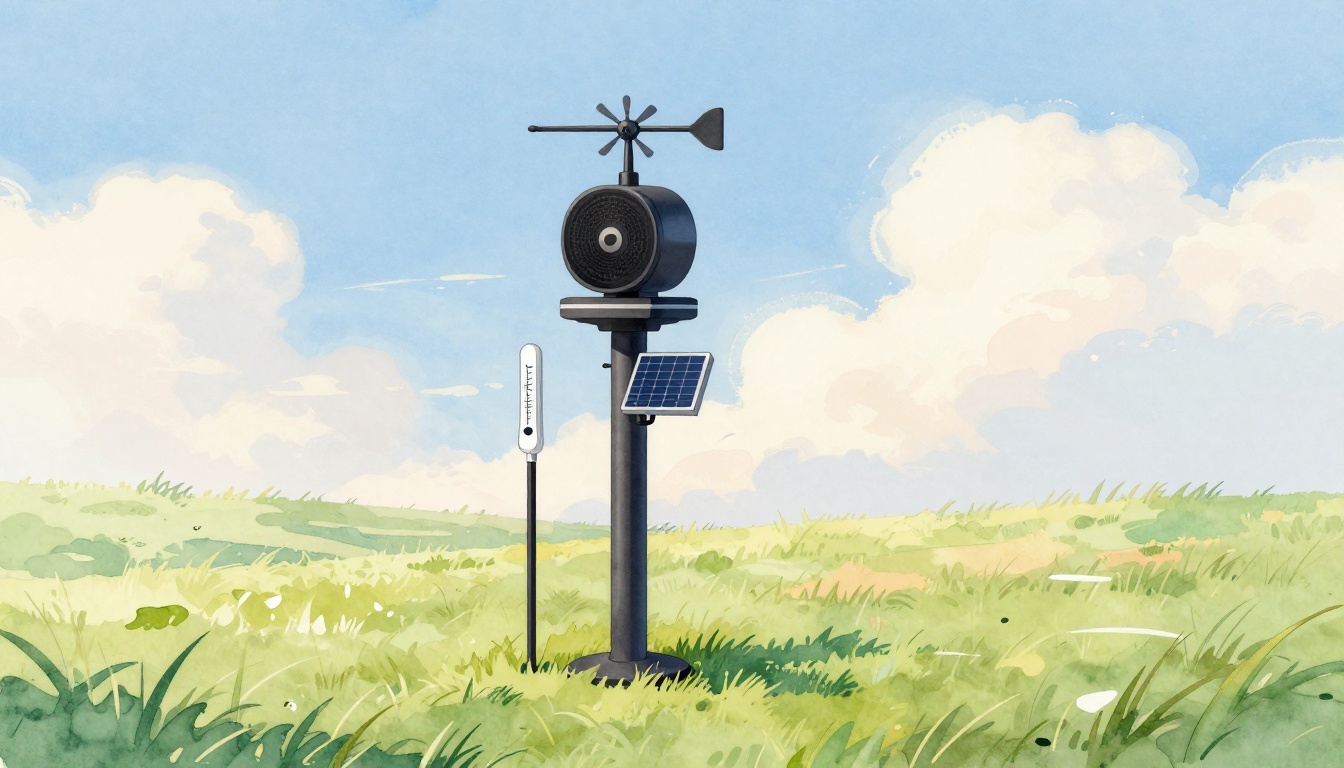
Ever check your phone for weather and think, “How does it know that?” A weather station turns the air around it into numbers you can trust. When it works well, it helps you spot storms earlier and plan smarter.
A weather station is a setup of sensors that measure local conditions, like temperature, wind, rain, and more. Those sensor readings get collected, checked, and sent to an app or website. In other words, the station turns physical changes outdoors into useful data you can read indoors.
In this guide, you’ll learn how weather stations work, what each sensor does, the main station types (personal to pro), and how to set one up. You’ll also see what’s newer in 2026, plus real reasons people rely on local weather data. Ready to see inside one?
What Powers a Weather Station? Key Components and Sensors
At the heart of a weather station are two ideas: sensing and sending. The sensors face the weather, then a data logger turns those signals into a consistent stream of measurements.
Most stations use a small shelter or radiation shield for air sensors. That matters because sun and wind can trick readings. A good shelter keeps temperature and humidity closer to what the air truly feels like.
Here’s a simple way to picture it: the station is like a set of “small weather translators.” Wind makes things move, pressure makes parts bend, moisture changes material, and the logger converts those changes into data.
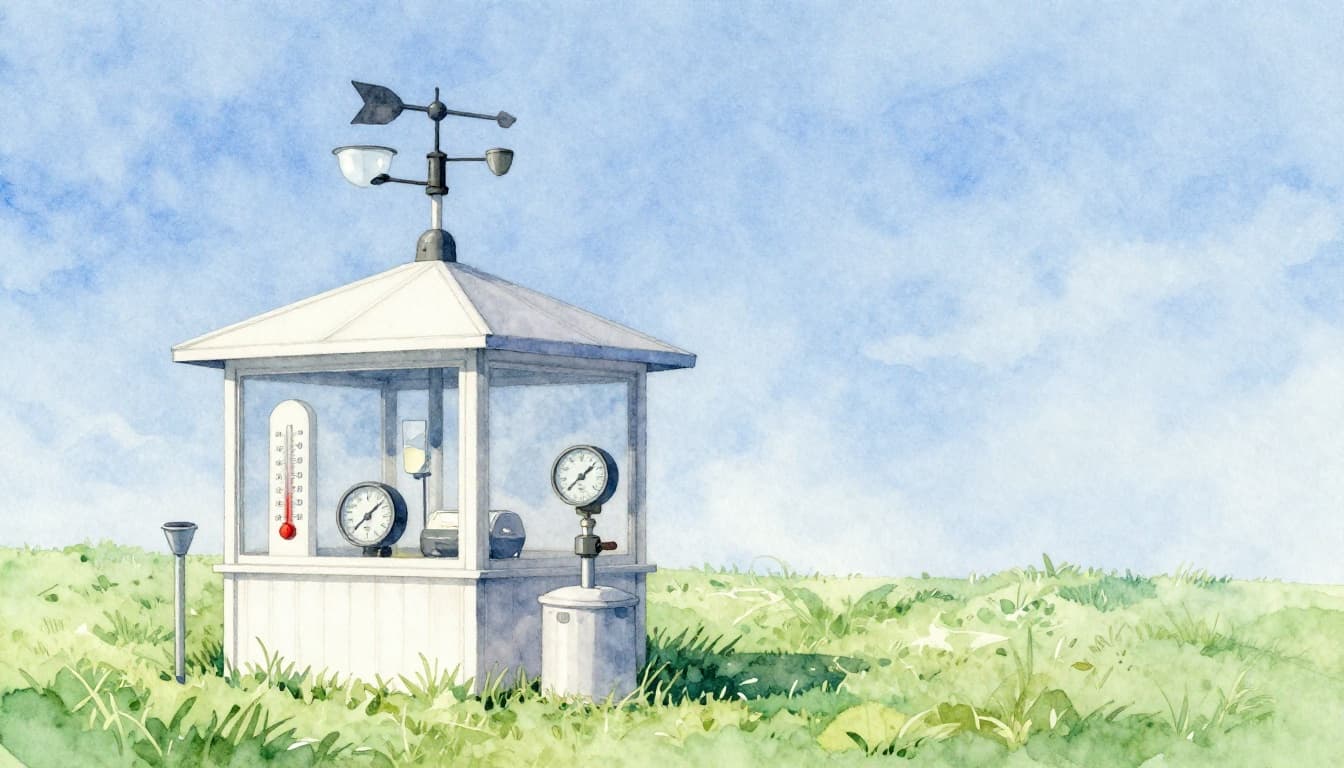
The core sensors usually include:
- Thermometer (air temperature)
- Hygrometer (humidity)
- Barometer (air pressure)
- Anemometer (wind speed)
- Wind vane (wind direction)
- Rain gauge (rain amount, sometimes snow)
Some stations also add UV sensors, lightning detection, or solar radiation sensors. Extra sensors help, but the six above are the foundation most people care about.
If you want another clear breakdown of common sensor roles, see Weather Station Sensors: Understanding Their Functions. It’s manufacturer-focused, but it maps well to how many home and pro stations work.
Thermometers and Hygrometers: Tracking Heat and Moisture
Temperature sensing usually comes down to electricity changing with heat. Many digital thermometers use a tiny element whose resistance shifts as it warms or cools. Then the station’s logger reads that electrical change and turns it into a temperature value.
Humidity sensing works in a similar “translate the change” way, but with moisture. Hygrometers often use materials that absorb or release water vapor. As moisture changes, the sensor changes its electrical signal, and the logger converts that into relative humidity.
Here’s the catch: both temperature and humidity are easy to mess up. Sun can heat sensors directly. Wind can cool them faster than nearby air. That’s why most stations use a shaded shelter with airflow. The goal is steady air exposure, not direct sunlight.
In simple terms:
- Dry air tends to feel crisp.
- Humid air feels sticky and heavy.
Your sensor aims to measure the air condition, not the sensor’s skin temperature. That’s why placement and shielding show up again and again when people ask how weather stations work.
For a sensor-level explanation that stays readable, How Do Weather Sensors Work? offers a straightforward look at how physical effects become signals.
Anemometers, Wind Vanes, and Rain Gauges: Wind and Precipitation Pros
Wind is harder to measure than temperature because it moves fast and changes constantly. Still, most stations handle it with either moving parts or sound-based sensing.
Anemometers: measuring wind speed
Traditional anemometers use cups that spin in the wind. The station counts spins over time and calculates speed. If you’ve ever watched a kid’s pinwheel, you already get the idea. Faster spin means higher wind speed.
Newer models increasingly use ultrasonic methods. Instead of spinning parts, they send sound pulses between transducers. Wind shifts how the sound travels, and the station computes speed. The big benefit is fewer moving parts, which helps in cold weather and icy conditions.
Wind vanes: measuring wind direction
A wind vane works like a weathercock. It sits on a rotating arm, then a sensor reads its angle. Over time, you get direction averages, gusts, and wind roses in some apps.
Rain gauges: counting how much falls
Most rain gauges use a tipping bucket design. Rain fills a cup until it tips. Each tip equals a fixed amount of rainfall, often around 0.01 inch per tip on many home units. The logger counts tips and converts them into totals.
Some stations also support “all precipitation” tracking with newer sensing methods. For example, they may detect precipitation patterns without relying only on bucket tips. Still, the tipping bucket approach remains common because it’s simple and reliable.
A quick note on placement: wind and rain sensors need clear flow. If a station sits behind a wall, wind can bounce and change how rain lands.
Barometers and Bonus Sensors: Pressure and Beyond
Air pressure tells you a lot about what the sky may do next. When pressure drops, storms often form or move in. When pressure rises, skies usually stabilize. A barometer helps you track those shifts.
Many barometers use a small chamber and a flexible part that bends as pressure changes. That bend changes an electrical signal. The logger then displays pressure in units like inches of mercury or hPa.
This is also where “beyond the basics” sensors can help. Some stations include:
- Lightning detection (to estimate storm activity)
- UV sensors (to show sun intensity)
- Visibility tools (more common in higher-end systems)
- Solar radiation sensors (useful for energy setups)
These extras don’t replace the main sensors. Instead, they add context. Lightning detection can confirm a storm even when rain is light. UV can explain why it feels warmer than the temperature number suggests.
For additional context on station systems used for serious monitoring, Automated Weather Stations is a solid reference point on how multi-sensor sites operate and why integrated systems matter.
How Do Sensors Turn Weather into Useful Data?
So far, we’ve talked about sensing. Now comes the part that makes your phone screen possible: turning signals into trusted numbers.
Most stations work like this:
- Weather hits the sensor (air temperature, wind movement, pressure changes, rainfall).
- The sensor produces an electrical change (resistance shift, sound timing, angle reading, bending pressure).
- The data logger reads those signals at set intervals.
- It then checks for errors (for example, impossible jumps or missing pulses).
- Finally, it stores and sends the data to the internet.
Wireless sending is common. Stations may use Wi-Fi, cellular, or a short-range radio link to a hub. After that, apps display charts, alarms, and daily summaries.
Many systems also use power management. Solar panels keep remote stations running longer, while battery backups help at night or during cloudy stretches.
When everything is working, your weather station becomes a local storyteller. Instead of waiting for a forecast far away, you see the trend near home. It’s also why “hyper-local” data feels different from TV weather.
To visualize the last mile of sensing to apps, check the image below.
If you’re comparing station ecosystems, look at how different providers bundle data and alerts. For a friendly explanation of personal station value, What Is A Personal Weather Station? is one of the clearer guides out there.
Types of Weather Stations: From Backyard to Pro Level
Not all weather stations are built for the same job. That’s why “best” depends on what you want to measure and how you’ll use it.
Most products fall into three broad categories:
- Personal stations for home use
- Professional stations for farms, research, and agencies
- Automatic stations that run in networks and report continuously
Personal Stations for Everyday Home Use
A personal weather station usually focuses on the essentials: temperature, humidity, wind, and rain. Many connect to apps right away, so you can see live conditions and trends.
The biggest win is local detail. Weather changes over short distances, even within the same city. A station near your home can catch a rain band or wind shift earlier than a forecast grid.
Personal setups are also easier to maintain. You might swap batteries once in a while, but the station handles most of the daily work.
If you want a quick mental map of station types, Types of Weather Stations: do it yourself, personal and profesional gives a useful overview of the categories people buy.
Professional and Automatic Stations for Serious Work
Professional stations often add durability and precision. Sensors can be more shielded. Data loggers may run longer without attention. Some sites also follow strict siting rules to reduce bias.
Automatic stations can run for years and feed larger networks. These systems help agencies and research teams track patterns across regions. They’re also used for advanced alerts, since missing data can matter during storms.
For a taste of how automated systems get described in the real world, that Campbellsci reference on Automated Weather Stations is a helpful anchor.
Step-by-Step: Setting Up Your Own Weather Station
Want the simplest answer to “how weather stations work”? The station works best when it’s installed right.
Before you mount anything, plan the site. Then install the sensors. After that, connect the station and confirm readings.
Picking the Best Location and Mounting Gear
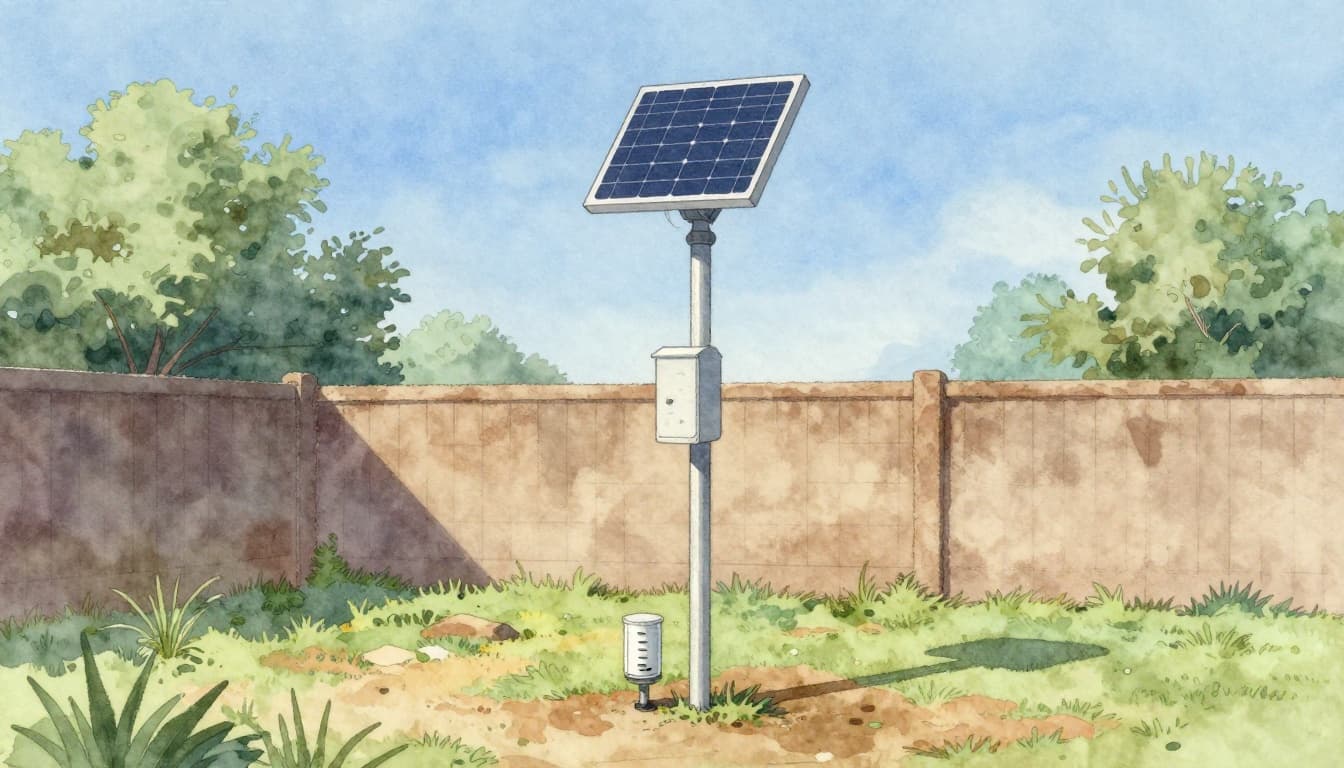
Where you place the station changes your results more than most people expect. Temperature sensors hate direct sun. Wind sensors hate obstructions. Rain gauges hate splash and side wind.
A reliable rule: pick a spot with open airflow. Try to avoid trees, fences, walls, and roof edges. If you can, mount sensors higher than nearby obstructions.
For placement guidance that’s rooted in real siting issues, see Weather Station Placement Guide. It explains why “close to the house” often creates biased wind and rain measurements.
Installing Sensors and Powering Up
Most stations use a pole mount or wall mount. The sensor shelter typically attaches to the mast. Wind sensors go at the top. The rain gauge stays level at the base.
Then plan power:
- Solar panels keep the station running with less maintenance.
- Battery packs work fine for sheltered areas.
- Some setups use both, so you get better uptime.
As you connect cables, keep them tidy. Loose wiring can cause signal dropouts or water entry. Also, check that the shelter vents and openings face the right way.
Testing Connections and Getting Your First Readings
After setup, don’t assume everything is correct. First, connect to the app. Then wait for the first full reading cycle.
Compare your readings with nearby conditions:
- Does wind speed look plausible?
- Does rain show up after a real storm?
- Does temperature swing too fast in sunlight?
If something seems off, re-check mounting level. Also confirm the sensor shelter is shaded correctly.
One more tip: take notes for a week. Weather is messy, and learning your station’s patterns helps you spot real problems fast.
2026 Tech Upgrades Making Stations Smarter
By March 2026, weather stations are getting more reliable in tough conditions. Some changes reduce moving parts. Others improve how stations interpret signals.
Here are a few upgrades gaining attention:
- Ultrasonic anemometers for wind speed. No spinning cups means fewer cold-weather issues.
- Acoustic or smart rain sensing ideas that can reduce reliance on buckets alone.
- AI-assisted insights for hyper-local forecasts and better context.
- Integrated lightning and UV sensors that add storm and sun detail.
- Improved solar and power design, helping remote stations stay online.
Real-world effect matters more than hype. When sensors don’t ice up, you get usable data during storms. When power lasts longer, you avoid data gaps.
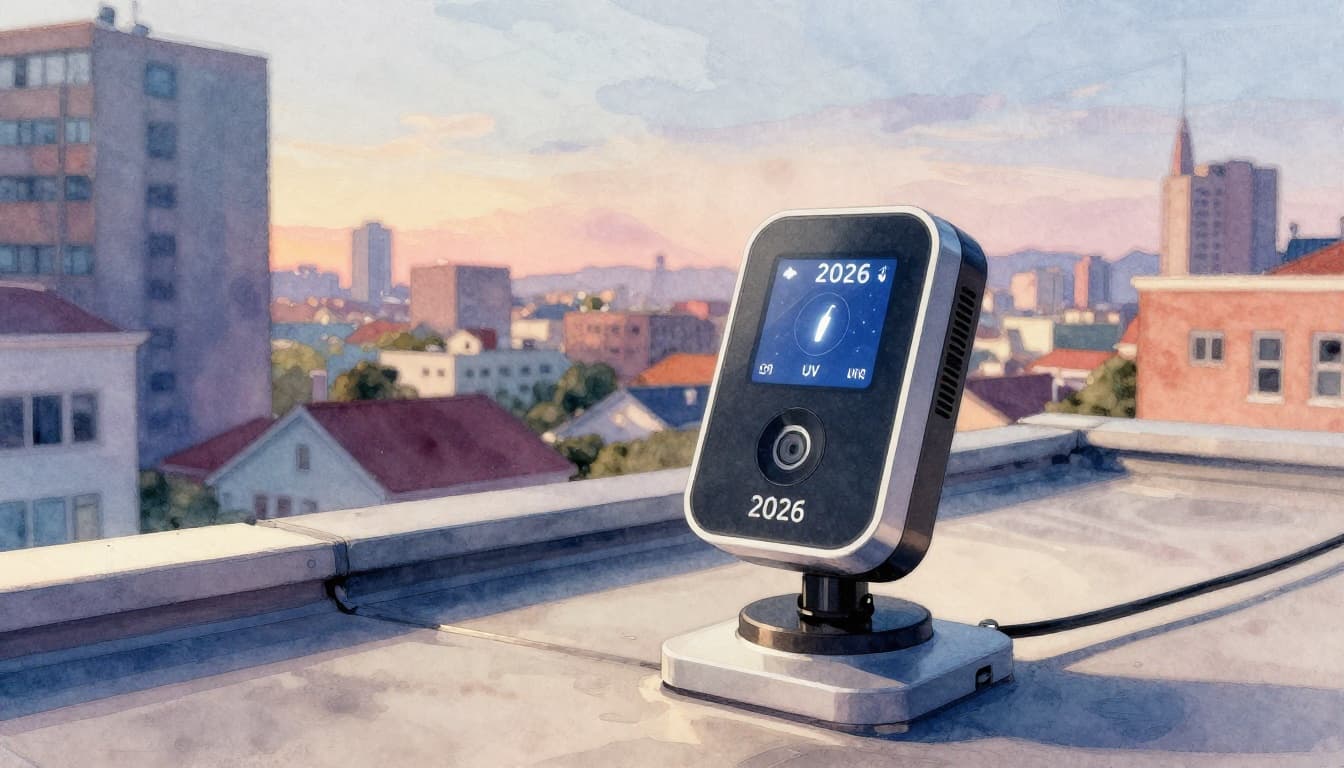
For example, some station platforms now use firmware updates to keep sensor accuracy tighter over time. That’s a practical advantage, especially for home setups that users don’t want to constantly tinker with.
Real-World Wins: Uses and Benefits of Weather Stations
Weather stations aren’t just for curiosity. People use them because local data can improve day-to-day decisions.
Common uses include:
- Home comfort and safety, like tracking heat, humidity, and wind shifts
- Gardening and lawn care, especially for rain timing and sun exposure
- Farming and irrigation decisions, where timing saves water
- Storm awareness, since you can see conditions change locally
- Flood and heat monitoring, especially when multiple stations report
The best benefit is simple. You stop guessing based on far-away forecasts. Instead, you watch conditions near you as they unfold.
And when more people run personal stations, broader networks get denser. That can improve public weather products, especially in areas without many official observation sites.
Most importantly, early alerts can save time and money. If rain starts sooner than forecast, you can protect plants, plan travel, or prep for wind.
Conclusion
So, how do weather stations work? They measure local air with sensors, convert physical changes into electrical signals, then send that data to apps and networks. From temperature and humidity to wind and pressure, the goal stays the same: accurate local readings you can act on.
Your experience will depend on two things, sensor quality and placement. A well-mounted station gives data that feels real, not generic.
If you’re curious about owning one, pick a location first, then choose sensors that match your needs. When you see the first live changes after sunset or a passing front, you’ll understand why people keep checking their own weather data.