
A forecast can be like a weather map. It guides decisions, but only if you keep it updated. One sales team I worked with kept missing demand targets, even after switching models. After improving data quality, tightening collaboration, and updating forecasts more often, profit grew by about 20%.
If you run a business, manage supply and inventory, plan budgets, or even train AI predictions, accuracy matters. In 2026, many teams still miss by a wide margin. So the key question becomes: How do experts improve forecast accuracy over time?
They combine clean data, team input, AI pattern detection, frequent updates, and scenario planning so forecasts stay useful as reality changes.
Build Strong Foundations with Clean Data and Team Collaboration
Experts start with boring work. They clean the inputs, then they align the people who interpret them. That’s the part most teams skip, because it’s not as exciting as new software.
The data problem is real. Many organizations can only predict accurately about 70% to 79% of the time, and errors come from messy signals, not from “weak math.” When data ages fast, the model inherits the wrong story. In B2B, contact data decays about 2.1% each month, so stale records quietly drag accuracy down.
Clean forecasting data often means bringing together sales history, pricing changes, inventory levels, promotions, returns, and operational notes. After that, experts pull insights from different functions, because each team sees a different slice of the truth.
Keep Your Data Clean and Connected
Think of your forecast like a house. If the foundation is crooked, fancy design won’t fix it. Experts reduce forecast errors by building a connected data pipeline, then checking it on a schedule.
Start with these practical steps:
- Combine sources into one model-ready dataset (sales records, order history, ops logs, pricing, and inventory).
- Fix obvious errors like duplicates, missing fields, and wrong dates.
- Feed in fresh signals using real-time or near-real-time sources for the variables that move fast.
This matters for more than sales. NetSuite explains why forecast accuracy is tied to better planning and resource allocation, especially when budgets and cash flow depend on projections you can trust. Their guidance on improving forecast accuracy is a good baseline for what “better” looks like in finance teams: NetSuite tips to improve forecast accuracy.
Also, connect accounting and sales systems when you can. When numbers disagree, teams argue instead of learning. In supply chain work, even small inconsistencies between shipment logs and order timestamps can create demand spikes that never actually happened.
Finally, keep a simple data audit habit. Once a week, sample records that feed the forecast. If you catch issues early, your AI tools and models start from a more accurate baseline.

Get Everyone on the Same Page with Team Input
Data quality matters, but forecasts fail when teams don’t share context. Experts set up a loop where sales, marketing, finance, and operations contribute input and review outcomes.
Here’s how it usually works in strong forecasting teams. Sales flags pipeline shifts, like deals that slipped due to procurement delays. Marketing notes campaign timing and channel mix changes. Operations shares constraints, like supplier lead times. Finance adds clarity on budget assumptions and known spending limits.
When those groups align, you reduce the “surprise factor.” One common failure mode is a forecast that looks mathematically fine, yet contradicts what the business already knows. Collaboration fixes that by turning tacit knowledge into structured assumptions.
Experts also define consistent terms. What counts as an “active opportunity”? Which date drives the forecast, close date or expected close date? Which orders count as “confirmed”? If definitions drift, accuracy drops even when data looks clean.
You can see the difference in real-world retail and logistics planning. Teams that combine planning inputs and review exceptions tend to spot pattern shifts earlier. They also update forecasts more confidently because they understand why the model changed.
In short, team input turns your forecast into a shared tool, not a one-team project. And when you treat forecasting as a learning process, accuracy improves with each cycle.
Harness AI and Machine Learning to Spot Hidden Patterns
AI does not replace experts. It helps experts see patterns they miss. That’s where real gains start.
In 2026, AI forecasting systems can cut error ranges dramatically, often from about ±20% to ±25% down to roughly ±8% to ±15% when the historical inputs are clean and complete. Some hybrid AI approaches have reported very low error rates in research settings, including a 2025 study that reached about 4.16% error.
The best analogy is a weather app. A human can read clouds. But AI systems pull in far more signals at once, update often, and learn from past storms.
AI’s Edge in Cutting Forecast Errors
Machine learning improves forecasts by learning relationships across many variables. Humans can try, but it’s slow and inconsistent. AI can scan years of sales patterns and connect them to pricing, inventory, seasonality, and outside signals.
This helps most in messy situations, like shifting demand curves after promotions. It also helps when signals interact. For example, a discount might drive demand, but only if inventory holds steady. AI models can learn those joint effects instead of treating each factor alone.
AI can also spot anomalies. If orders spike in a region but returns also rise, your forecast might need a different assumption than a spike caused by a new competitor. This kind of nuance is hard to capture with static rules.
For sales teams, data governance and process discipline still matter. Outreach highlights that many improvements come from clean, unified data and a consistent forecasting process, not from “guessing better.” Their practical view on AI forecasting tactics can help you strengthen the workflow behind the model: Boost sales forecast accuracy with AI.
The big takeaway: AI reduces error, but it needs you. You still need to feed it clean history and review the outputs when reality disagrees.
Why More Companies Are Switching to AI Tools
Teams often start with spreadsheets. Then they hit a wall. Manual forecasting can miss patterns when data is large, noisy, and constantly changing.
In contrast, AI tools can update quickly and run experiments without tiring. Instead of rebuilding assumptions from scratch, you can refresh the model and compare results. That creates a fast learning loop.
AI also helps with forecast length. Accuracy typically drops the further out you predict, and experts plan around that. For example, a recent research summary shows ranges like:
- 30-day forecasts often land around 85% to 90% accuracy
- 60-day forecasts often land around 75% to 80% accuracy
- 90-day forecasts often land around 65% to 75% accuracy
The question becomes, how do you keep a forecast useful beyond 30 days? Experts don’t pretend long-range forecasts are perfect. Instead, they use AI to tighten the range, then pair that with frequent updates and scenarios.
When teams treat AI as a system that learns over time, accuracy improves cycle after cycle. They also reduce the blame game. Instead of arguing about who “was wrong,” they focus on which inputs changed.
Update Forecasts Often with Real-Time Insights
A static forecast is like drawing a roadmap and refusing to check GPS. You might get close at the start, but drift shows up fast.
Experts update forecasts frequently. In research summaries, teams that monitor and adjust forecasts see faster accuracy improvements, especially when they can detect change early. AI forecasting is not a one-time task. It stays useful only if you keep feeding it the latest reality.
Also, a quick reminder: it’s usually better to be 80% accurate and current than 90% accurate and outdated. A small gap matters less than timing.
At a minimum, set a review cadence that matches how quickly your business changes. For many teams, weekly works. Some operations need daily updates during peak season or disruption periods.
To make this easier, use a rolling forecast mindset. Here’s the difference in plain terms:
| Approach | What you do | What tends to break |
|---|---|---|
| Static forecast | Forecast once, then use it for a long period | Reality shifts before the next revision |
| Rolling forecast | Refresh often with new orders, shipments, and signals | Teams skip data checks and context updates |
Most missed targets do not come from bad math. They come from late corrections.
If you want a practical view of what real-time AI demand forecasting can look like for supply chains, this playbook-style resource is worth reading: AI demand forecasting playbook for supply chain teams.
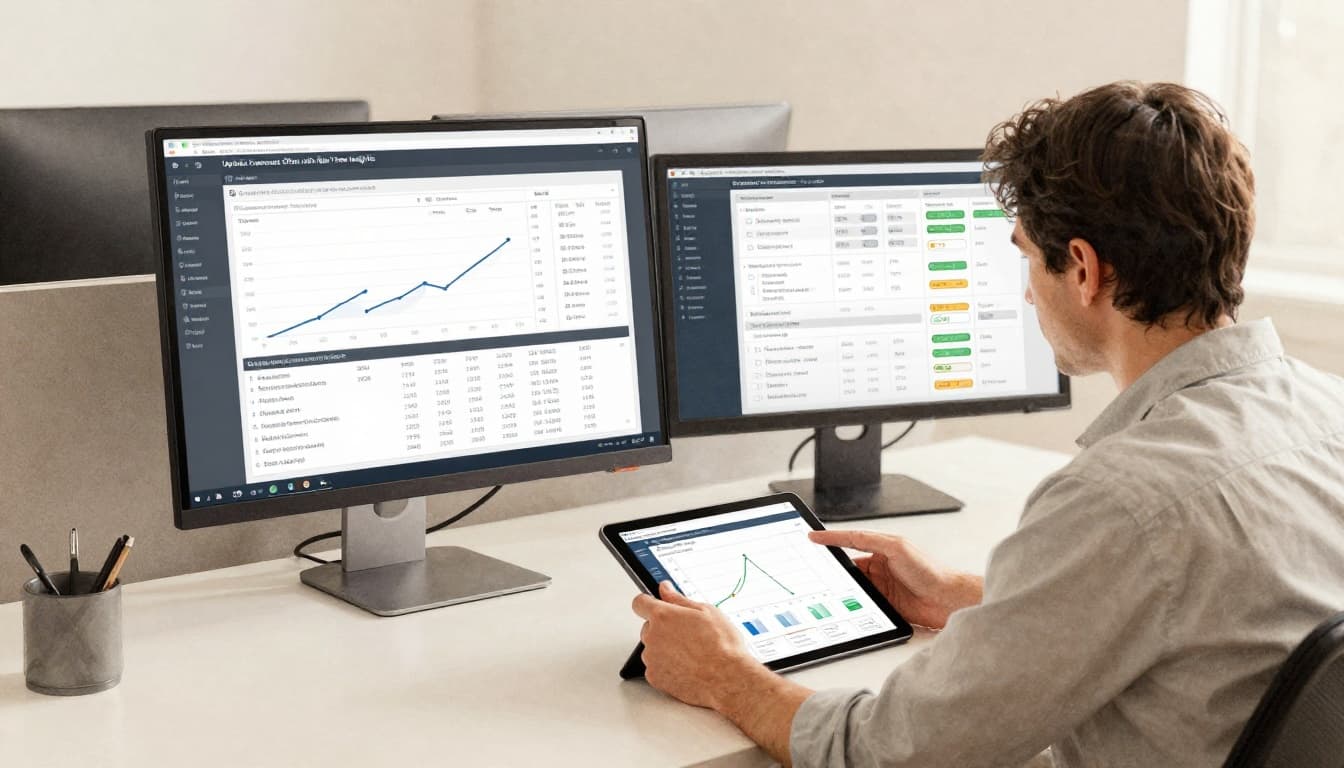
When you update often, you get faster feedback. Then you can improve assumptions, data quality, and model settings for the next cycle.
Plan for What-Ifs to Handle Uncertainty
Forecasting is not prediction. It’s decision support under uncertainty.
Experts improve accuracy over time, but they also prepare for cases where accuracy still won’t be enough. That’s where scenario planning helps. Instead of betting on a single future, you build a few plausible paths and assign actions to each path.
In research summaries, accuracy gaps show up hard in longer horizons. Many teams miss their targets, and longer-range forecasts can miss by big margins. So you should plan for “good, better, and worse,” then coordinate action plans ahead of time.
Scenario planning works best when it stays simple. Pick a small set of futures that matter to your decisions. Then assign owners, signals, and triggers.
Create Multiple Future Scenarios
Start by asking a clear question, like, “What if demand drops 15%?” or “What if a key supplier slips by two weeks?” Keep the scenarios tied to decisions, not vague fears.
A simple scenario set might include:
- Growth: demand accelerates, and capacity is tight
- Slowdown: fewer orders land, inventory builds
- Disruption: lead times change, and service levels take a hit
Then define what you do in each case. For growth, you might expedite. For slowdown, you might adjust procurement and promotions. For disruption, you might reroute shipments and change promised delivery dates.
If you want a helpful overview of how scenario planning works as a structured decision tool, this guide explains the method in an easy way: How to use scenario planning.
The point is not to guess perfectly. The point is to reduce panic later.
Tackle Tough Areas Like Currency and New Markets
Some variables are harder to forecast than sales volume. Currency swings, new market entry, regulatory changes, and sudden competitor moves can create large forecast error.
Experts respond by tightening the process around these areas. They may:
- Use shorter update cycles for sensitive variables
- Add wider confidence ranges (and plan budgets to match)
- Review assumptions with domain experts more often
- Track “leading signals” that change earlier than demand
If your forecast ties to currency, make sure you’re using consistent exchange rate assumptions. When those assumptions change, update your forecast and your scenario actions, not just your spreadsheet.
For new markets, it helps to separate learning from scale. Early forecasting should guide experiments. Later forecasting can guide production and staffing.
One more thing: don’t hide uncertainty. High-quality forecasts show their limits. That honesty makes decisions faster, because teams stop waiting for perfect numbers.
Real-World Wins from Leading Companies
Experts don’t just talk about accuracy. They measure it, then improve the process.
In case studies, AI-based forecasting systems have helped retailers and supply chain teams reduce stock issues and lost sales. For instance, a global convenience retailer used AI-powered forecasting to drive measurable improvements, including better revenue and fewer stock-outs.
Manufacturers also benefit when AI systems refresh forecasts daily and flag exceptions for planners. In one case study, A2go reported a major reduction in forecast error by using AI-driven demand planning agents that continuously ingest relevant data and auto-refresh forecasts by SKU and location, with human review for adjustments: Cutting forecast error in half.
These results share the same pattern. Teams improved accuracy over time by combining:
- Clean inputs into the model
- Frequent refreshes when conditions changed
- Human review for edge cases
- Actions tied to forecast outputs
That last part matters. If you don’t change decisions based on forecast signals, accuracy gains won’t show up in results.
The fastest way to start improving is to treat forecasting as a loop. You run forecasts, measure misses, fix data and assumptions, update more often, and revisit scenarios when uncertainty spikes.
Conclusion
Forecast accuracy improves when experts stop treating forecasting like a one-time event. Instead, they build reliable inputs, align the right teams, use AI to find patterns, and update forecasts as conditions change.
Above all, they plan for uncertainty with scenarios. That keeps decisions strong even when accuracy drops in longer horizons.
Pick one method to apply now, audit your forecast inputs, and refresh your update cadence. Then watch what improves first in your errors, not just your final numbers.